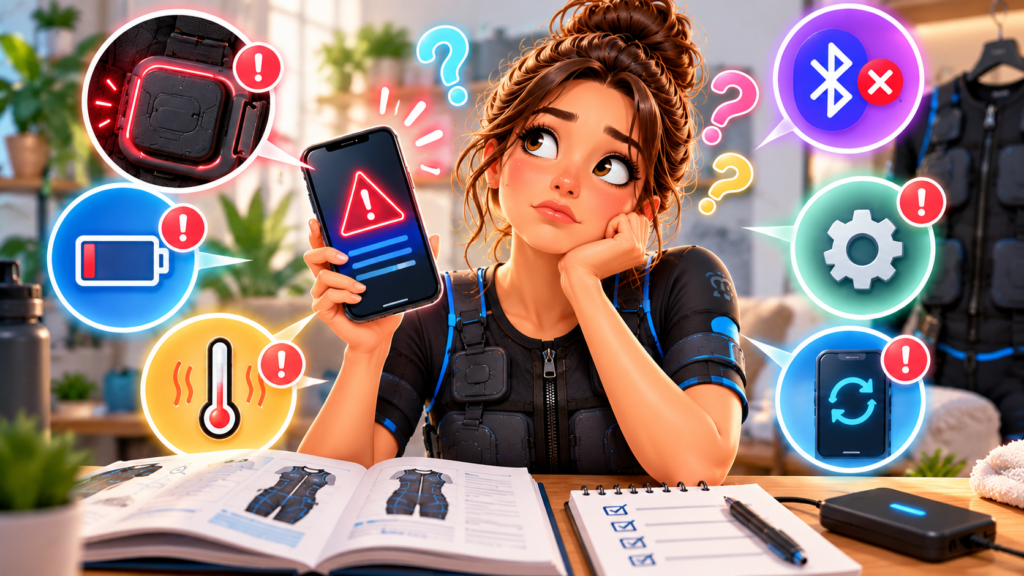
An EMS error code is a diagnostic clue, not an instruction to keep restarting until the message disappears. The code may identify poor electrode contact, a controller attachment problem, low battery, excessive temperature, an app mismatch, or an internal fault.
Because code numbers are not standardized across brands, the model-specific manual or support database is the only reliable source for the exact meaning.
Stop stimulation before interpreting the code
End the movement, return to a stable position, and use the normal stop control. If the controller remains responsive, reduce all zones to zero.
Do not remove a live controller, adjust garment contacts under output, or attempt pairing while holding a weight. If stimulation does not stop as documented, use the emergency procedure for that device and discontinue use.
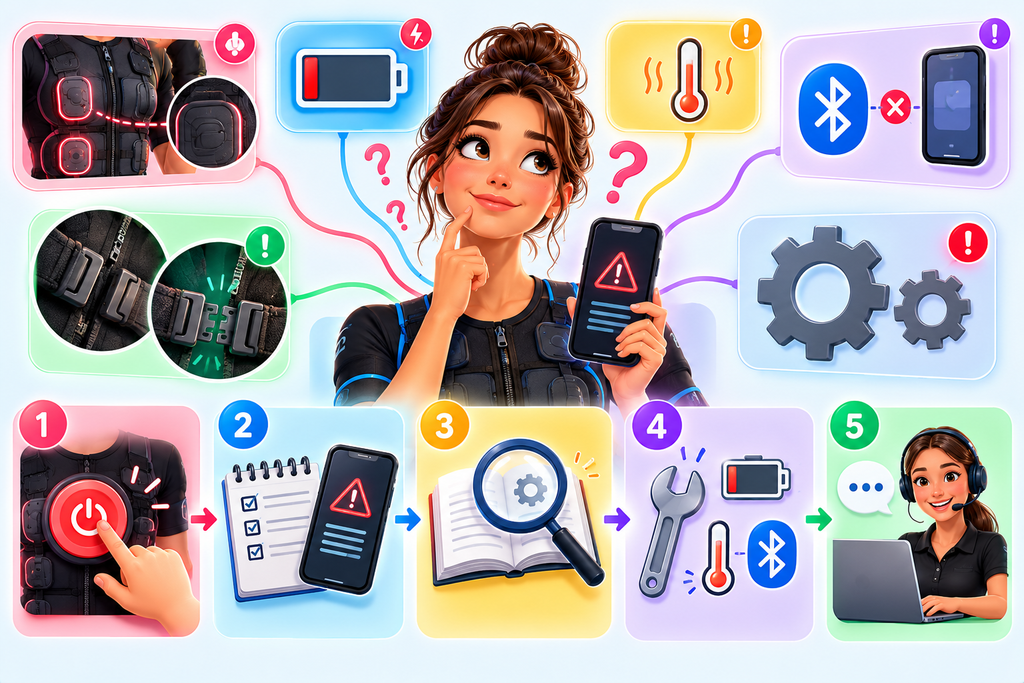
Record the complete message
Before restarting, capture:
- Exact letters and numbers.
- Full text shown in the app.
- Controller light color and flash pattern.
- Time in the session.
- Program and active zones.
- Movement being performed.
- Battery level.
- Whether the phone link remained connected.
A screenshot of a non-sensitive error screen can help manufacturer support. Exclude account details, personal health information, and unrelated notifications.
Do not translate codes between brands
“E1” can mean an open electrode circuit on one device and something entirely different on another. Even closely related models may use different firmware and code tables.
Search the exact model name and manual revision on the manufacturer’s official site. Avoid repair videos or forum instructions that bypass locks, short contacts, open housings, or install unofficial firmware.
Classify the fault before taking action
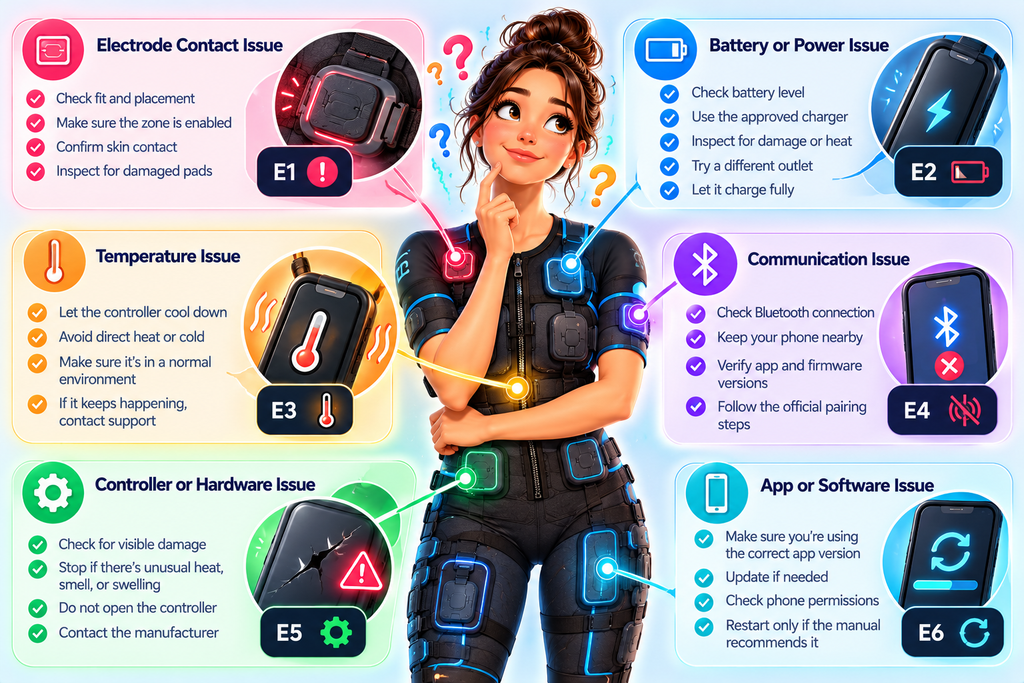
Most user-facing faults fall into broad groups:
Contact or open-circuit fault
The system may not detect a complete path through an electrode pair. Check whether the suit is fitted correctly, the zone is enabled, required moisture is present, and connectors are fully seated.
Do not raise intensity to overcome an open circuit. Follow the patchy electrode contact guide with output off.
Power or battery fault
A low-battery code can appear even when the controller recently showed charge if the battery, cable, indicator, or power-management circuit has a problem. Use the approved charging process.
Stop for swelling, heat, cracks, liquid exposure, or odor. The EMS controller charging checklist explains safe checks.
Temperature fault
Allow the controller to return naturally to its specified operating range. Do not cool it in a freezer or heat it with a dryer. Repeated over-temperature errors require service even if they clear after rest.
Communication fault
Record whether the app lost the controller or the controller lost the garment. Verify supported app and firmware versions, permissions, controller seating, and the official pairing sequence.
Internal hardware or firmware fault
If the manual says to contact service, stop. Do not open the controller, downgrade firmware, or repeat a failed update without manufacturer direction.
Why repeated resets can hide useful evidence
Some systems keep temporary logs or change their indicator after a restart. Rebooting ten times can make an intermittent fault harder to reproduce and describe.
Make one documented restart only if the official troubleshooting table calls for it. If the error returns, preserve the code and contact support.
Check the conditions that triggered the fault
A code that appears at rest suggests a different cause from one that appears only during a squat. Movement-dependent faults can involve connector seating, cable strain, garment conductors, or changing electrode contact.
Do not deliberately reproduce the fault at high output. If support requests a test, perform only the documented low-level procedure.
Confirm the manual revision
Manufacturers can change error tables after a firmware, controller, or app update. Make sure the manual matches the exact hardware generation and sales region. A code list for an older controller may be wrong even when the product name looks similar.
Use the manual linked from the official support page or inside the verified app. Record the document version with the code. If the manual and app give conflicting instructions, keep the equipment off and ask the manufacturer to clarify before another session.
What to tell support
Provide:
- Product and controller model.
- Serial number if requested through an official channel.
- App and firmware version.
- Exact code and indicator pattern.
- Steps immediately before the error.
- Whether it returns after the approved restart.
- Photos of visible hardware damage, if requested.
Never share passwords, one-time codes, payment details, or account recovery information.
Frequently asked questions
Can I clear an EMS error by reinstalling the app?
Possibly for an app problem, but reinstalling can erase settings or logs. Follow the official code-specific process first.
What does an open-circuit error mean?
The device is not detecting the expected electrical path. Causes can include incomplete skin contact, an inactive or disconnected electrode pair, a loose cable, or damaged equipment.
Is it safe to continue if the error disappears?
Only if the official manual says the condition is resolved and a low-level check is normal. Recurrent, temperature-related, battery, or internal faults require support.
Can I look up the code on another brand’s site?
No. Code meanings are not standardized.
The practical takeaway
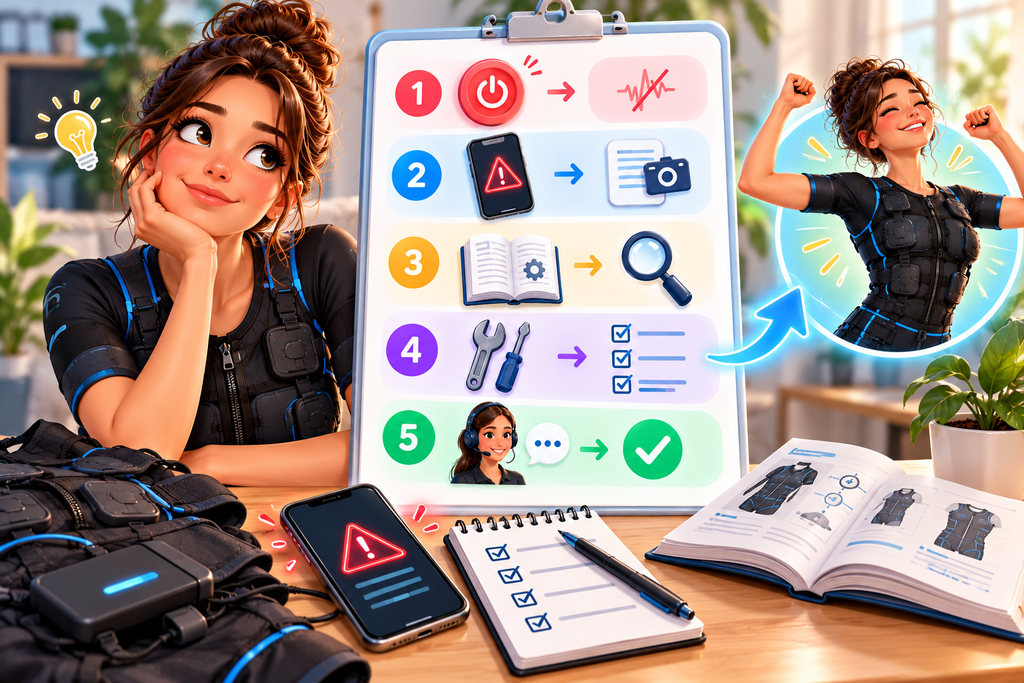
Treat an EMS error code as evidence. Stop safely, record the complete message and conditions, consult the exact model’s official manual, and perform only the approved checks.
One controlled restart is enough when the manual calls for it. A returning code, damaged hardware, abnormal heat, or uncertain stimulation state belongs with manufacturer support—not an improvised repair.