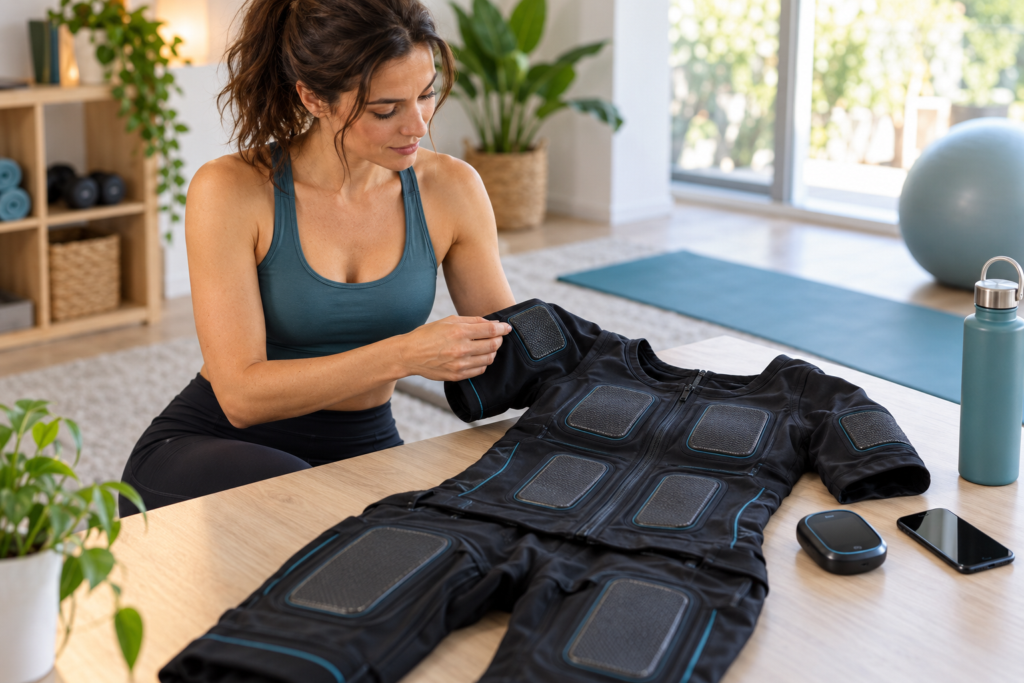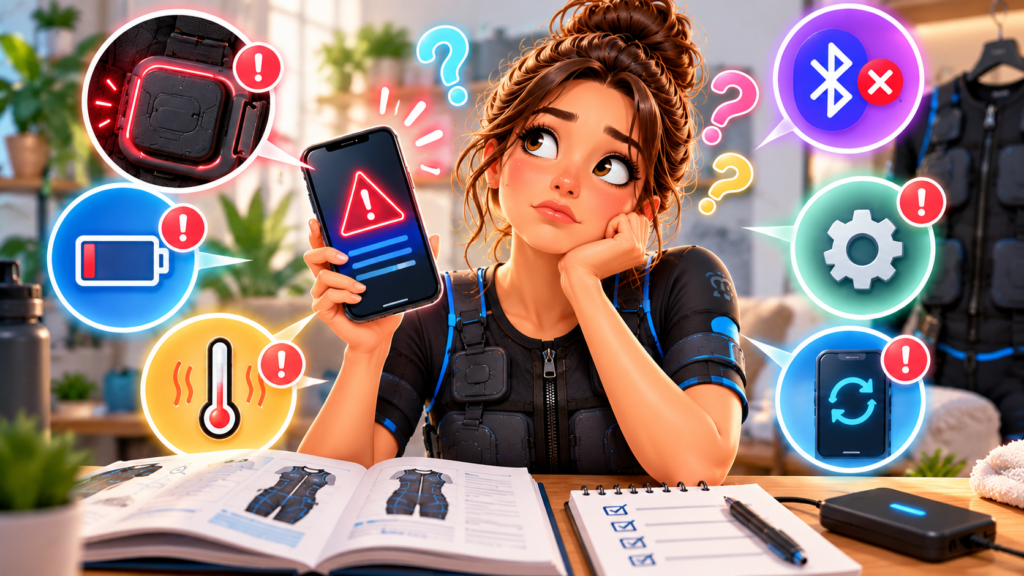
A wireless EMS suit can fail to connect at several points: the controller may be off, the app may lack Bluetooth permission, the phone may still remember an old pairing, or the control unit may not be seated correctly on the garment.
Troubleshoot with stimulation stopped. Do not test reconnection while holding a weight or remaining in a position where an unexpected contraction could cause a fall.
First identify what is disconnected
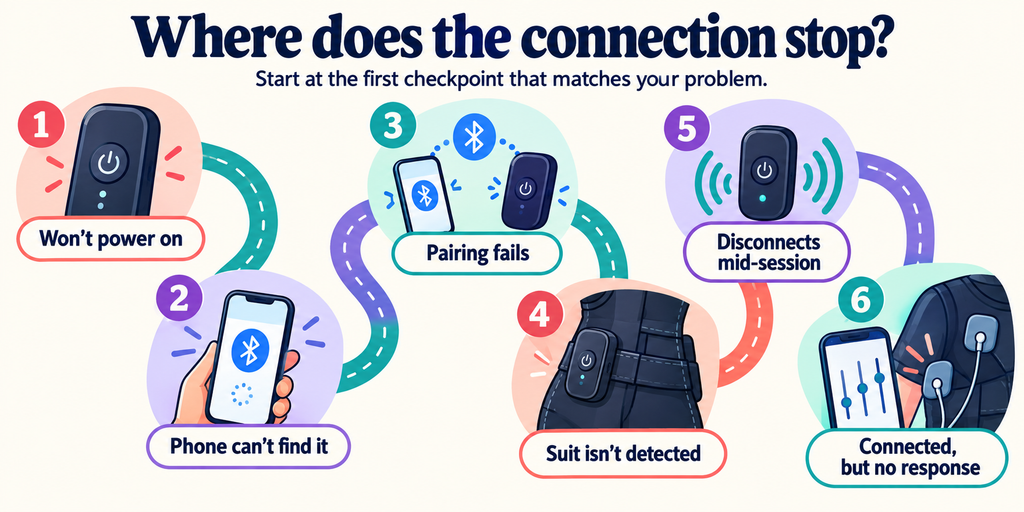
“Not connecting” can mean different things:
- The controller does not power on.
- The phone cannot discover the controller.
- The app discovers it but pairing fails.
- The app connects but does not recognize the garment.
- The session begins and then disconnects.
- The app display changes but stimulation does not respond.
Record the exact stage and any error text. That information is more useful to support than “Bluetooth is broken.”
Step 1: stop and make the setup safe
Return all intensity controls to zero and end the program. Sit or stand in a stable position. Disconnect external weights or resistance bands.
If the controller is unusually hot, wet, swollen, cracked, or gives off an odor, turn it off and do not charge or use it. Follow the manufacturer’s service procedure.
Step 2: check controller power
Confirm the control unit’s battery and status indicator using its manual. A light can have different meanings by brand, so do not infer “fully charged” from color alone.
Use the approved cable and power source. Some systems require the power box to be removed from the suit before charging; PEPPER’s official FAQ gives that instruction for its hardware. Follow the rule for the actual device.
Step 3: seat the controller correctly
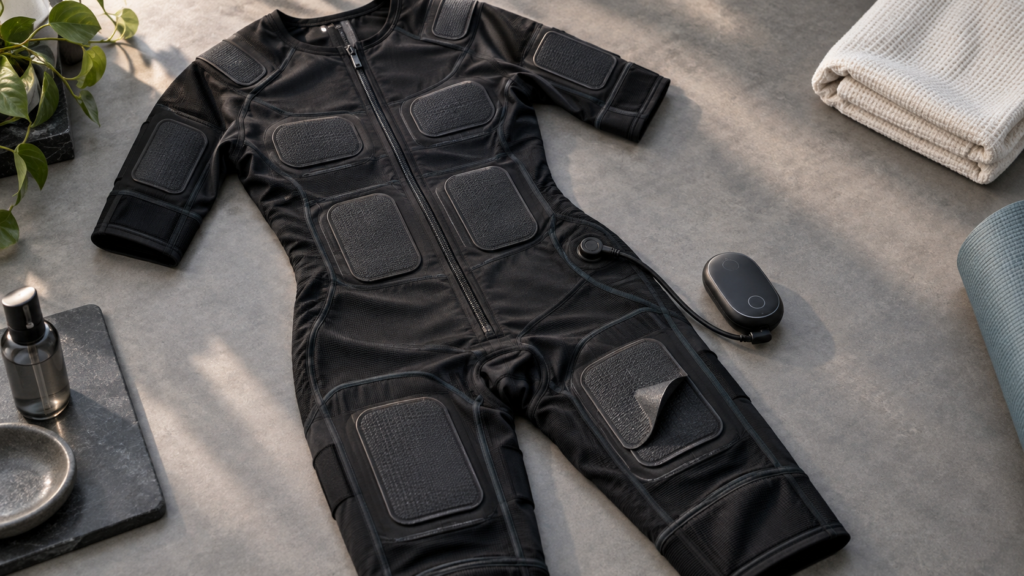
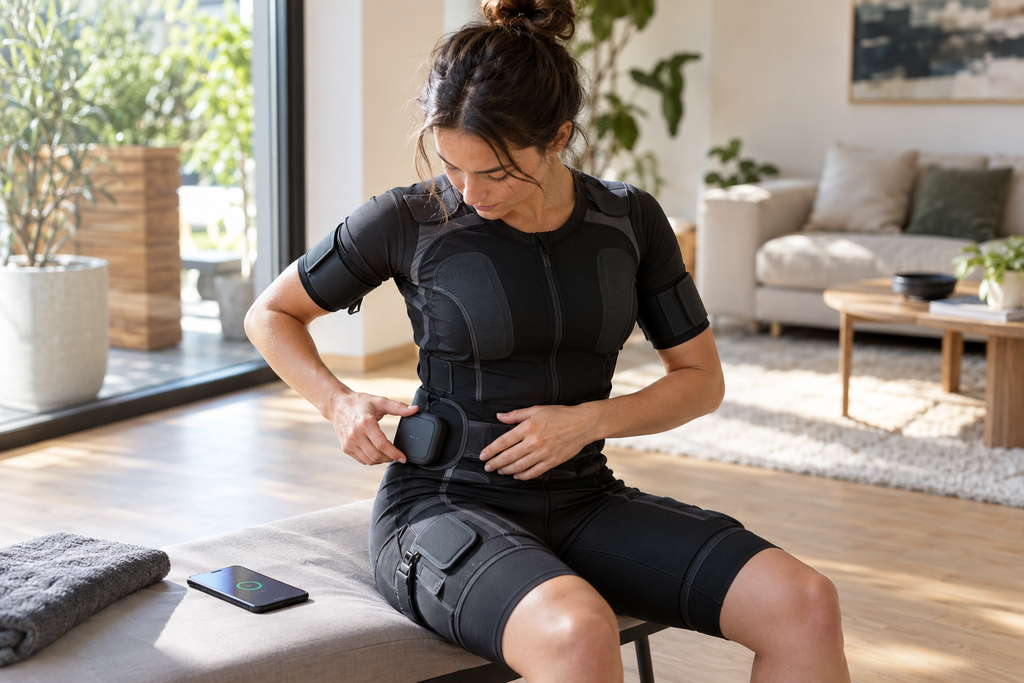
Remove and reattach the controller only with stimulation off. Inspect contacts for moisture, debris, bending, or damage. Align the attachment exactly as shown in the manual and confirm every latch or magnetic contact is fully seated.
Do not force a connector. If it no longer attaches normally, stop and contact support.
Step 4: check the app and phone settings
Verify:
- Bluetooth is enabled.
- The app has the Bluetooth permission required by the phone’s operating system.
- Location permission is enabled only if the official app requires it for device discovery on that operating-system version.
- The correct user profile and suit model are selected.
- The app is the official current version for the device.
Do not install an app from an unverified download link or grant unrelated permissions merely to make pairing work.
Step 5: avoid competing connections
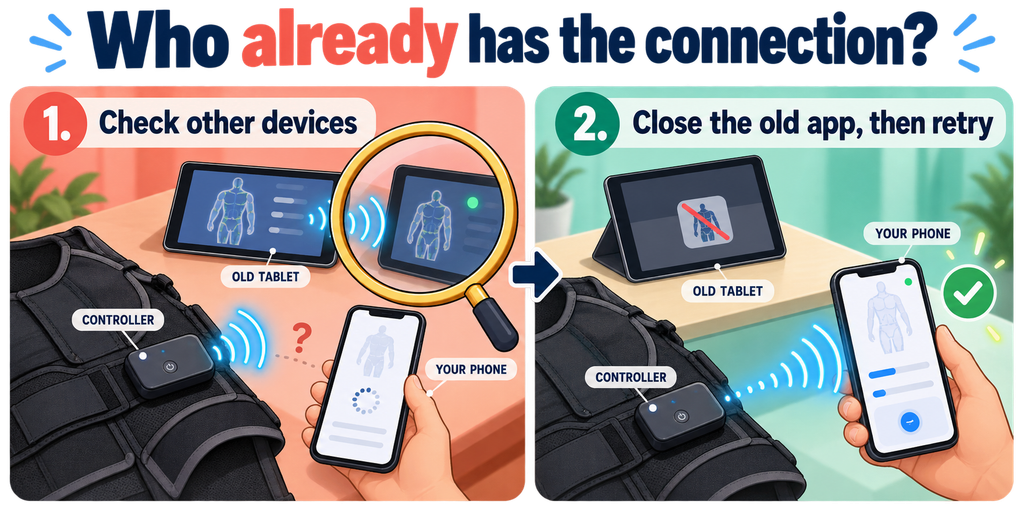
A controller may connect to only one phone or tablet at a time. Close the EMS app on other nearby devices that previously used the suit. If the manual instructs users to remove an old pairing from the operating system, follow those exact steps.
Avoid repeatedly tapping pair on multiple devices. Clear, controlled attempts make it easier to identify the cause.
Step 6: use the manufacturer’s restart sequence
Restart order can matter. A typical sequence might involve closing the app, powering the controller off, waiting until it fully shuts down, restarting the phone’s Bluetooth, powering the controller on, and pairing from inside the official app.
That is not a universal sequence. Some systems warn against pairing from the phone’s main Bluetooth menu. Use the official manual for the brand.
Step 7: check updates carefully
An app update can add compatibility fixes, but firmware updates carry more risk than ordinary pairing. Keep the controller charged, maintain the required connection, and do not interrupt an update.
If the app proposes firmware installation immediately before a workout, postpone the session until the update and a low-level equipment check are complete. Never use unofficial firmware.
When connection succeeds but stimulation does not
The wireless link can be healthy while an electrode zone remains inactive. Check whether:
- The program is running rather than paused.
- The zone is enabled.
- The garment is recognized and attached.
- Electrode contact is complete.
- A safety lock or open-circuit warning is active.
Our guide to patchy EMS electrode contact covers contact faults. Do not keep increasing intensity to compensate for an open or incomplete circuit.
What to send support
Provide non-sensitive technical details:
- Suit and controller model.
- App version and phone operating-system version.
- Exact error message.
- Status-light pattern.
- The step where pairing fails.
- Whether another compatible device can connect, if the manual permits that test.
- A photo of visible connector damage, if support requests it.
Do not send passwords, account recovery codes, or unrelated phone data.
Frequently asked questions
Should I pair through the phone settings or the EMS app?
It depends on the product. Many accessories pair from inside their official app. Follow the manufacturer’s sequence rather than guessing.
Will reinstalling the app fix the connection?
It may, but it can also remove profiles or logs. Try the official restart and pairing procedure first, and confirm what data will be lost before reinstalling.
Can the suit keep stimulating if the phone disconnects?
Behavior is device-specific. Some controllers may continue a locally stored program; others stop or limit output. Verify the documented fail-safe behavior before training.
Is weak stimulation a Bluetooth problem?
Not usually by itself. Weak or uneven output more often warrants checks of zone settings, electrode contact, fit, battery, and garment connection.
The practical takeaway
Treat EMS connectivity as a chain: controller power, garment attachment, phone permissions, app pairing, and program state. Identify the exact broken link, reset output to zero, and use the official sequence for that product.
If pairing remains unreliable or the controller behaves unexpectedly, stop using the system and contact support. A stable connection and a low-level pre-session check should come before any loaded movement.
If the failure occurs during charging rather than pairing, follow the separate EMS controller charging guide.